Contents
Field Guide · 03 of 18
Your club
What changes once you join a club — its own site, member roles, the roster, and moderation.

Once a club approves your request to join, it stops being something you look at from Explore and becomes a place with its own site: its own chat, its own member writing, its own roster, and its own events. What you can do inside it depends on the role the club gave you, and most members hold no special role at all — that's the default, not a limitation.
On the web
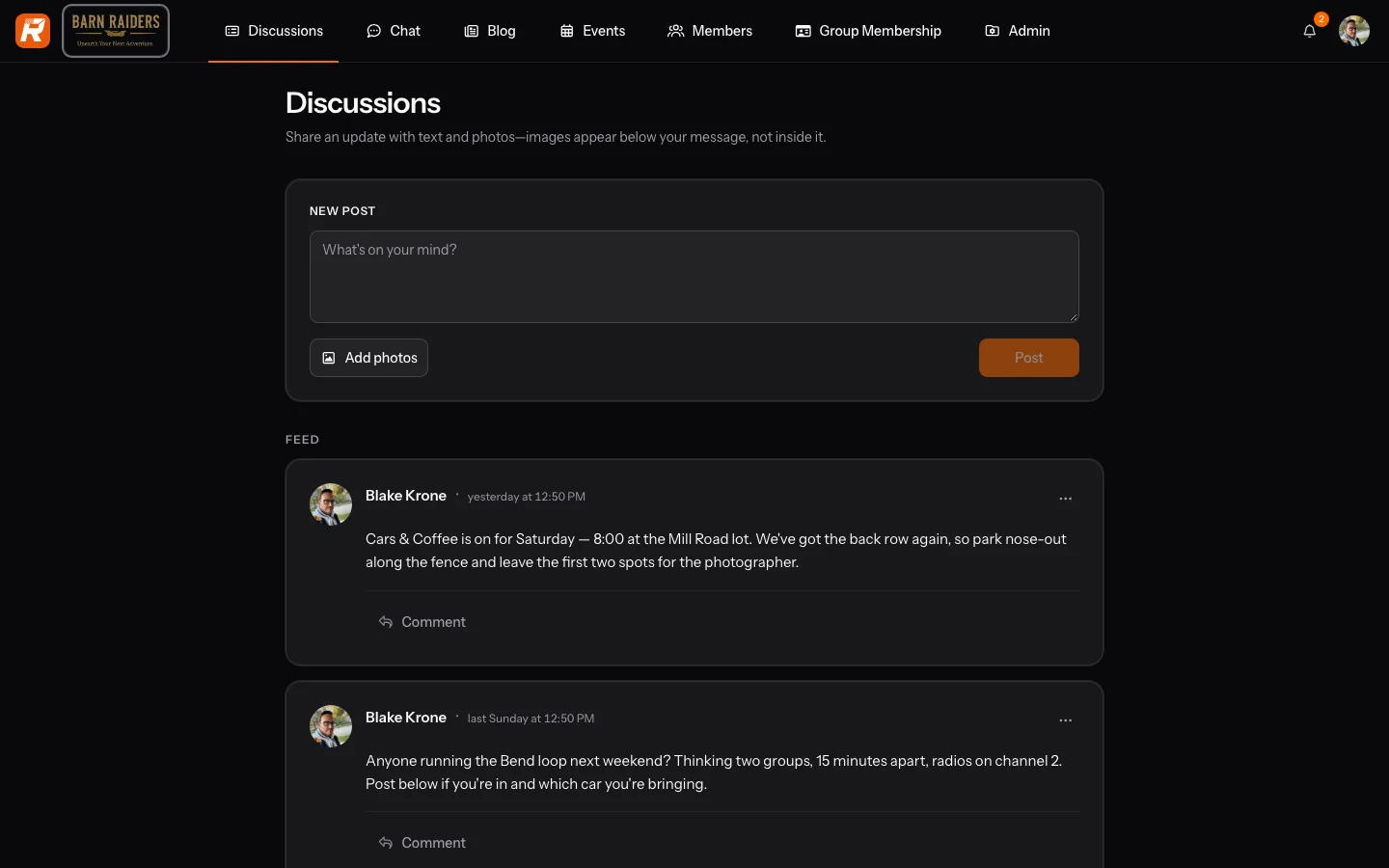
Each club has its own address, separate from rallier.app itself, and opening it lands you on its member discussions by default. From there you can reach that club's chat, its combined member discussions and admin-written blog (see Posts and announcements), its member roster, and its events calendar (see Events, for members). A club also has its own branding — a logo, a cover image, its own name and address — set by whoever administers it, which is why two clubs on RALLIER rarely look alike.
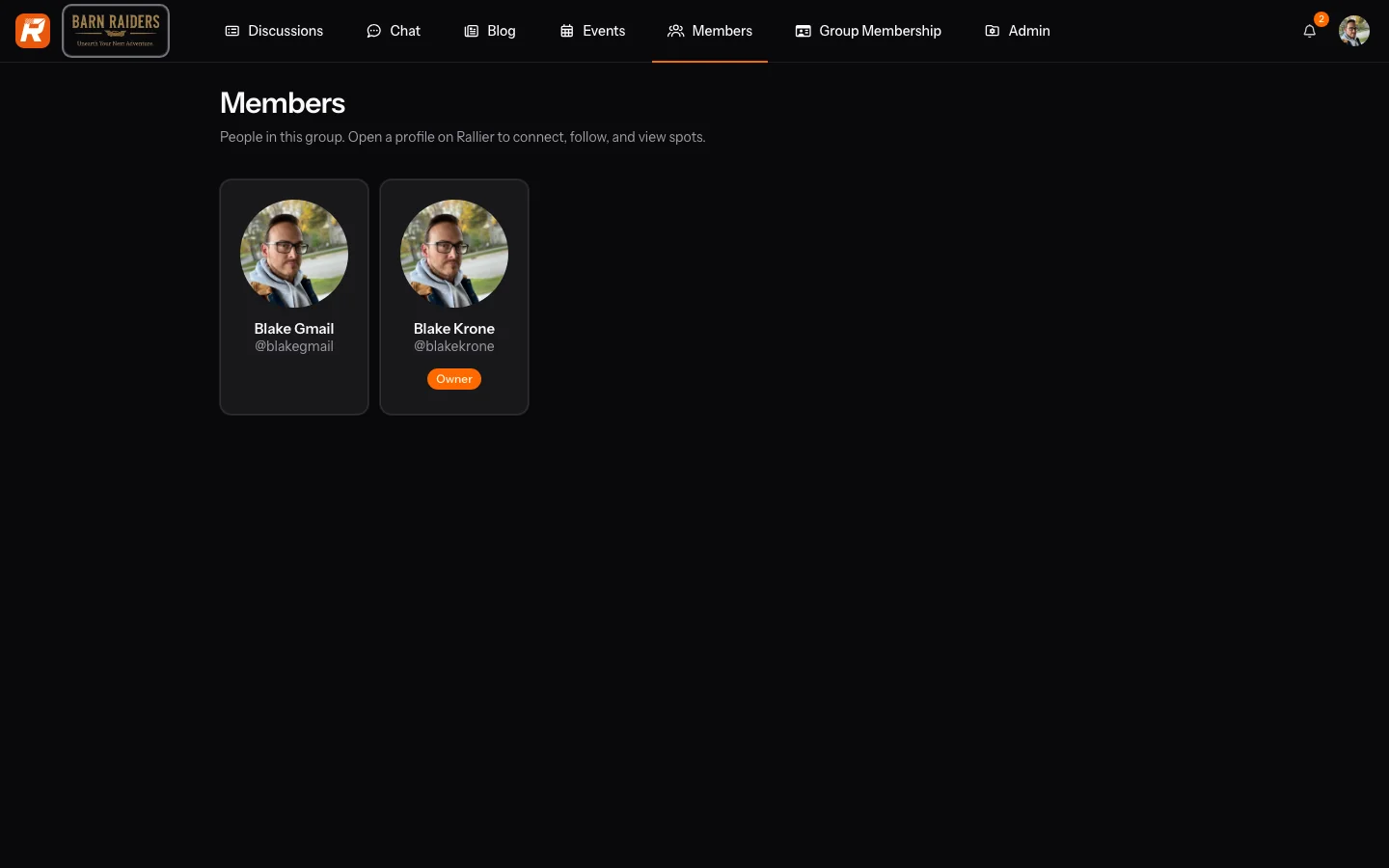
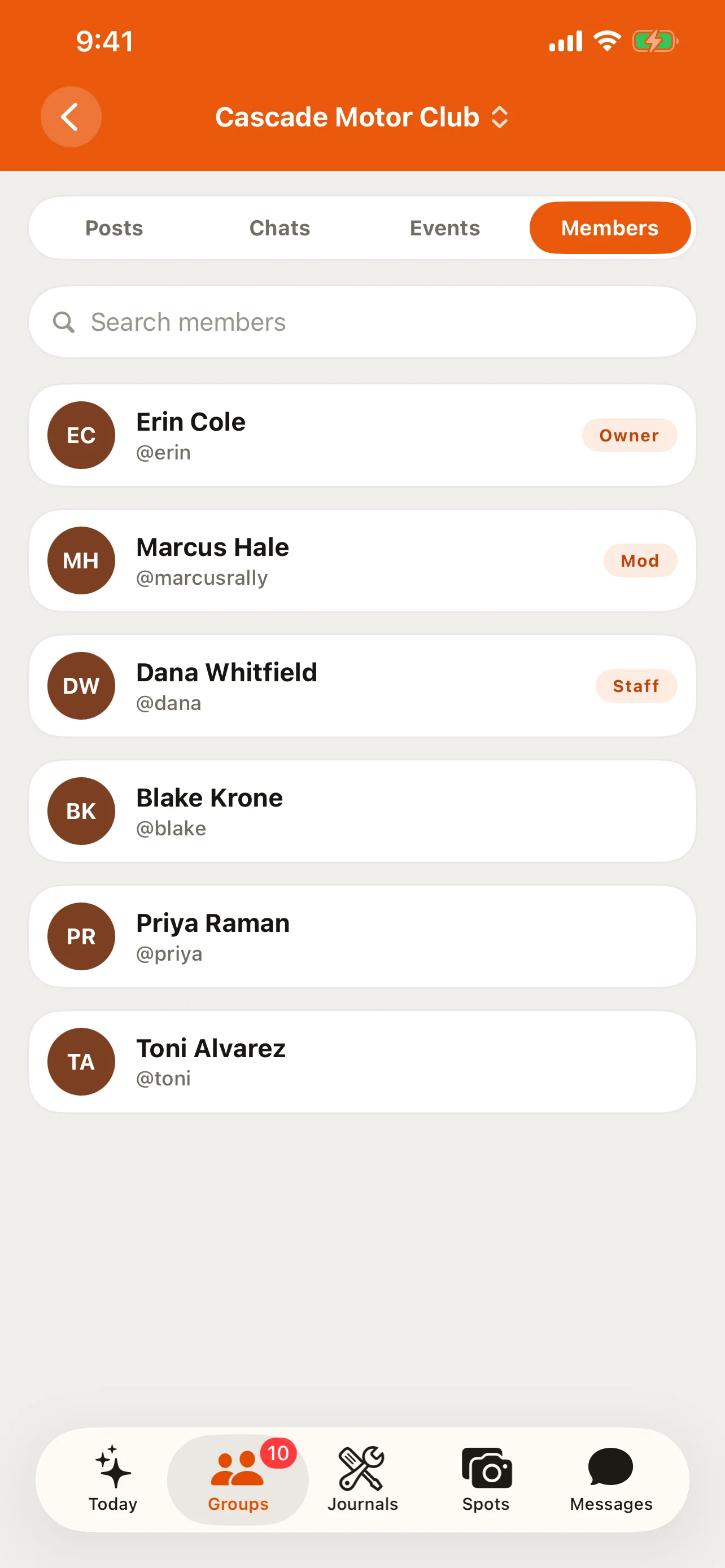
Where a role is assigned, the Members page shows it as a badge: Owner, Admin, or Moderator. A separate role, event-organizer, lets a member build and run events without otherwise administering the club — useful for a club that wants one person handling a car show without handing them the keys to everything else. Event crew work differently: an organizer can invite someone by nickname or email to work a specific event without that person becoming a club member at all. A club is also different from a host space, which is a space just for running events — it has no member roster, standing channels, discussions, or blog (see Events, for organizers). None of these club roles carry over between clubs; being an Admin in one club means nothing in another you also belong to.
If something you or another member posted gets reported, you may end up on a moderation-standing page explaining what happened and why; report and block controls sit on chat messages, posts, and spots alike, wherever another member's words or photos appear. A block applies everywhere on RALLIER, not just the club you placed it from — the person disappears from your view platform-wide, and any friendship or follow between you is removed too.
In the RALLIER app
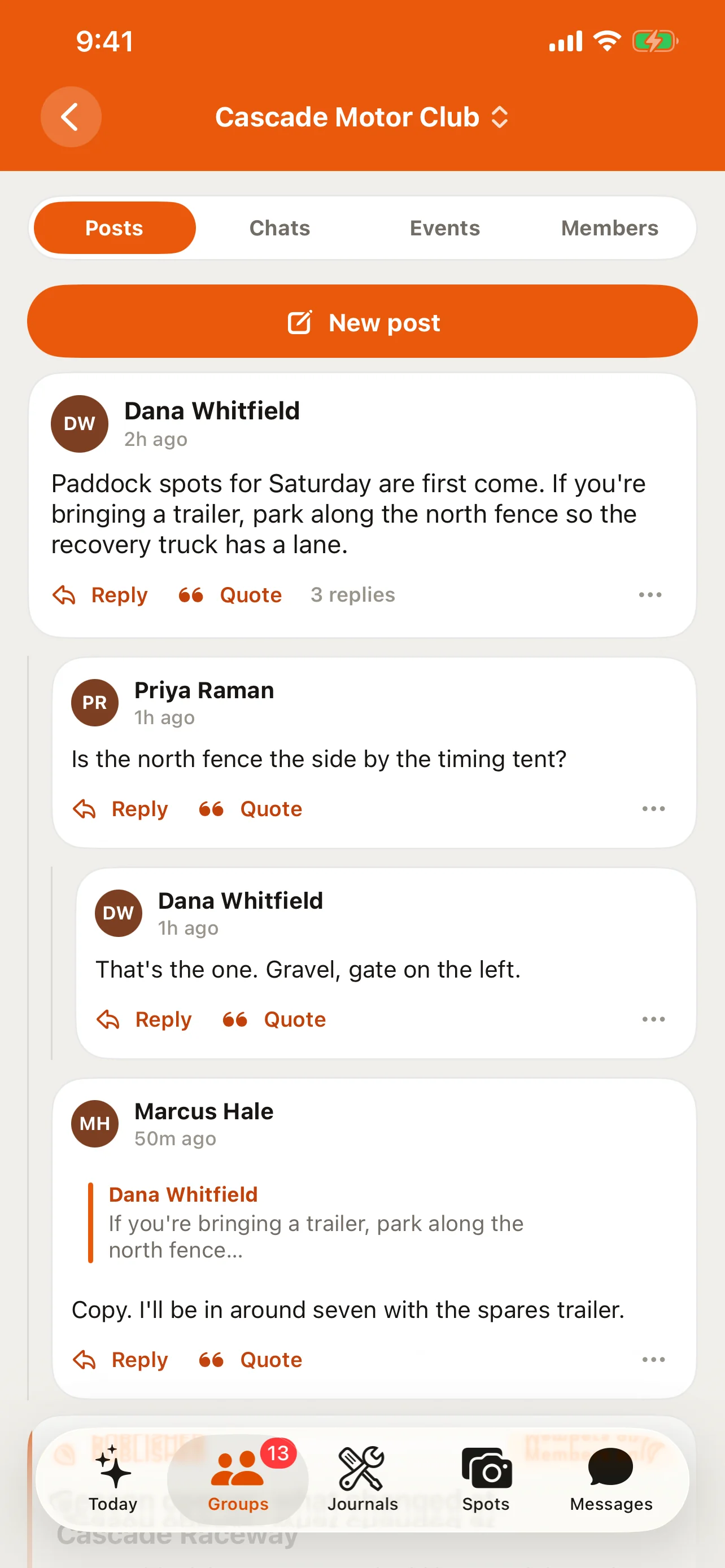
Tapping a club opens Group Home, laid out as four segments: Posts, Chats, Events, Members — Posts leads by default, matching the web. The Members list carries the same role badges as the web roster, so you can tell at a glance who's an Owner, Admin, or Moderator in that club.
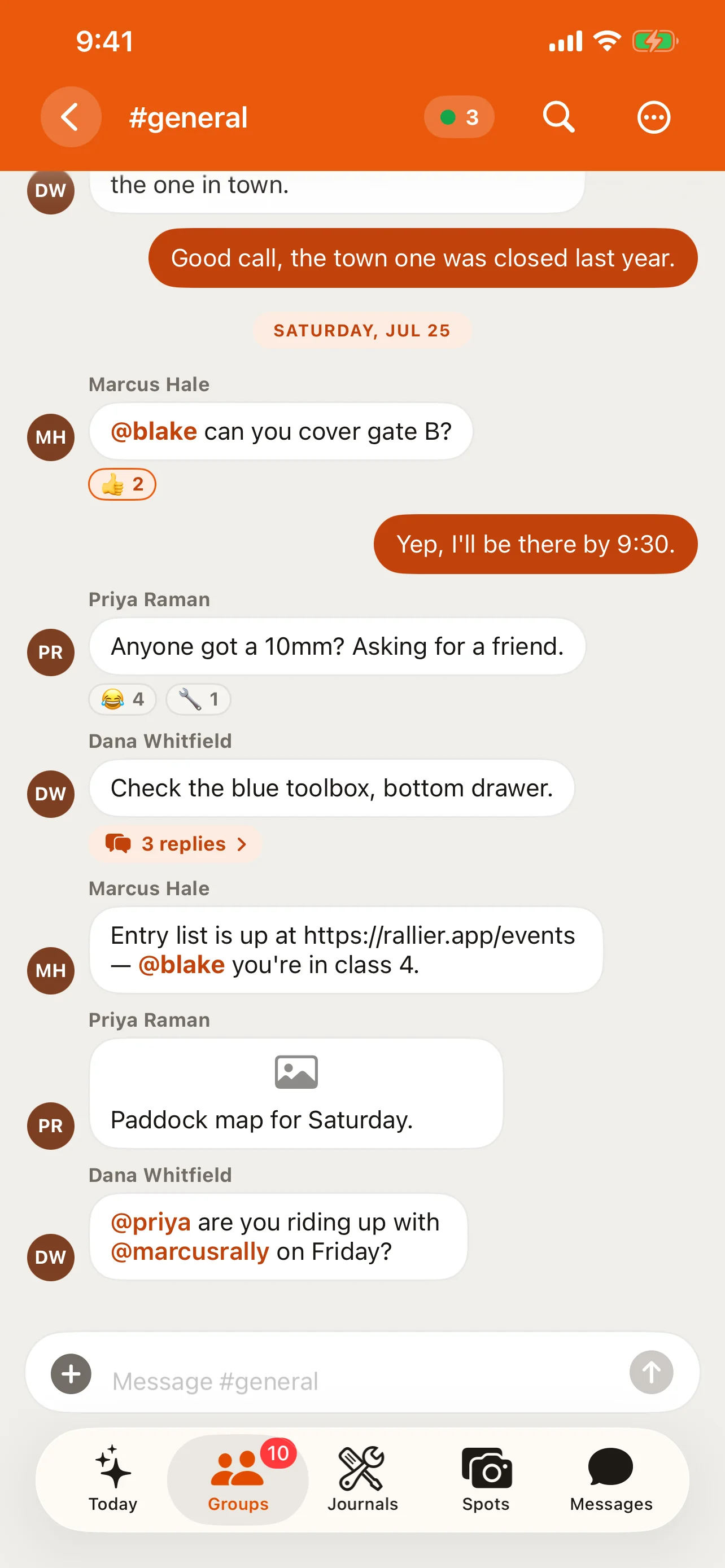
Switching between clubs, or between a club and your direct messages, doesn't require signing out and back in — every club you belong to is available at once, and Today (see What RALLIER is) already tags anything unread with which club it came from, which matters the moment you're in more than one club with a channel of the same name.
Tips
- The roster is the fastest way to find who's an Admin or Moderator if you need help with something only they can fix.
- An event-organizer can run a club's events day to day without needing full admin access.
- Report and block work the same everywhere another member's content shows up — you don't need to find a separate moderation screen first.
- Roles are per-club, but a block is account-wide — belonging to several clubs means keeping track of which club a given role applies to, while a block follows the person everywhere.