Contents
Field Guide · 07 of 18
Events, for members
How members find a club event, register or get a ticket, and check in at the door.

A club event is anything from a Saturday cars-and-coffee to a full car show with vendors and a gate. Members find them, register or buy a ticket if one's needed, and check in with a QR code when they arrive — and most of that happens on the web, even for members who mostly live in the app the rest of the time.
On the web
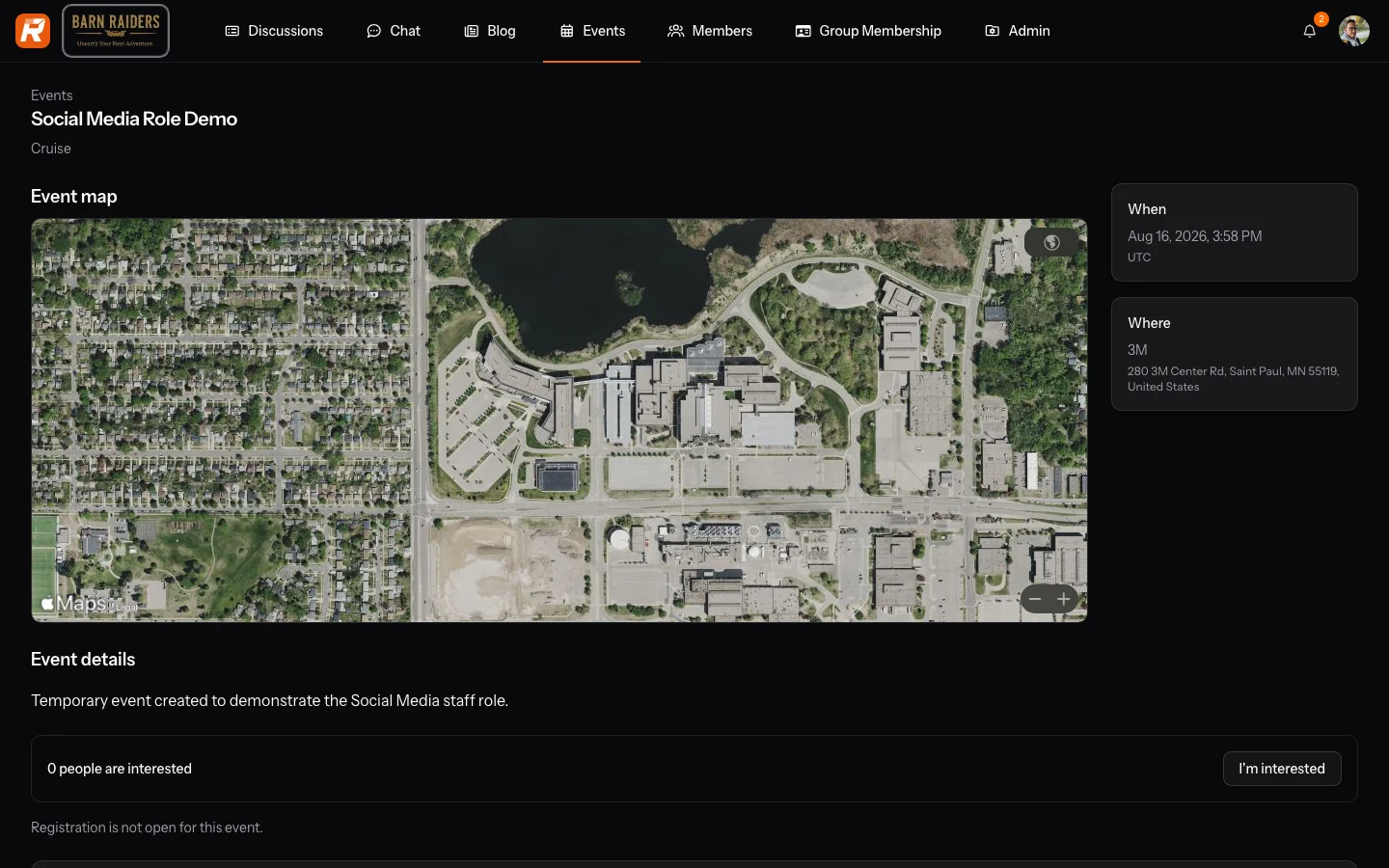
Find events on your club's own events calendar, or across clubs on the Events calendar in the main navigation; which cross-club views you see depends on your account. On an event's page, you can mark I'm interested — a bookmark that costs nothing and holds no spot, useful mainly for seeing who else is going — or register outright. A free, open event confirms you right away; some hold a review queue, or a waitlist once capacity fills, and anything with a premium spot or a paid ticket routes through checkout instead. What happens depends entirely on how the organizer built the event, not on anything you choose.
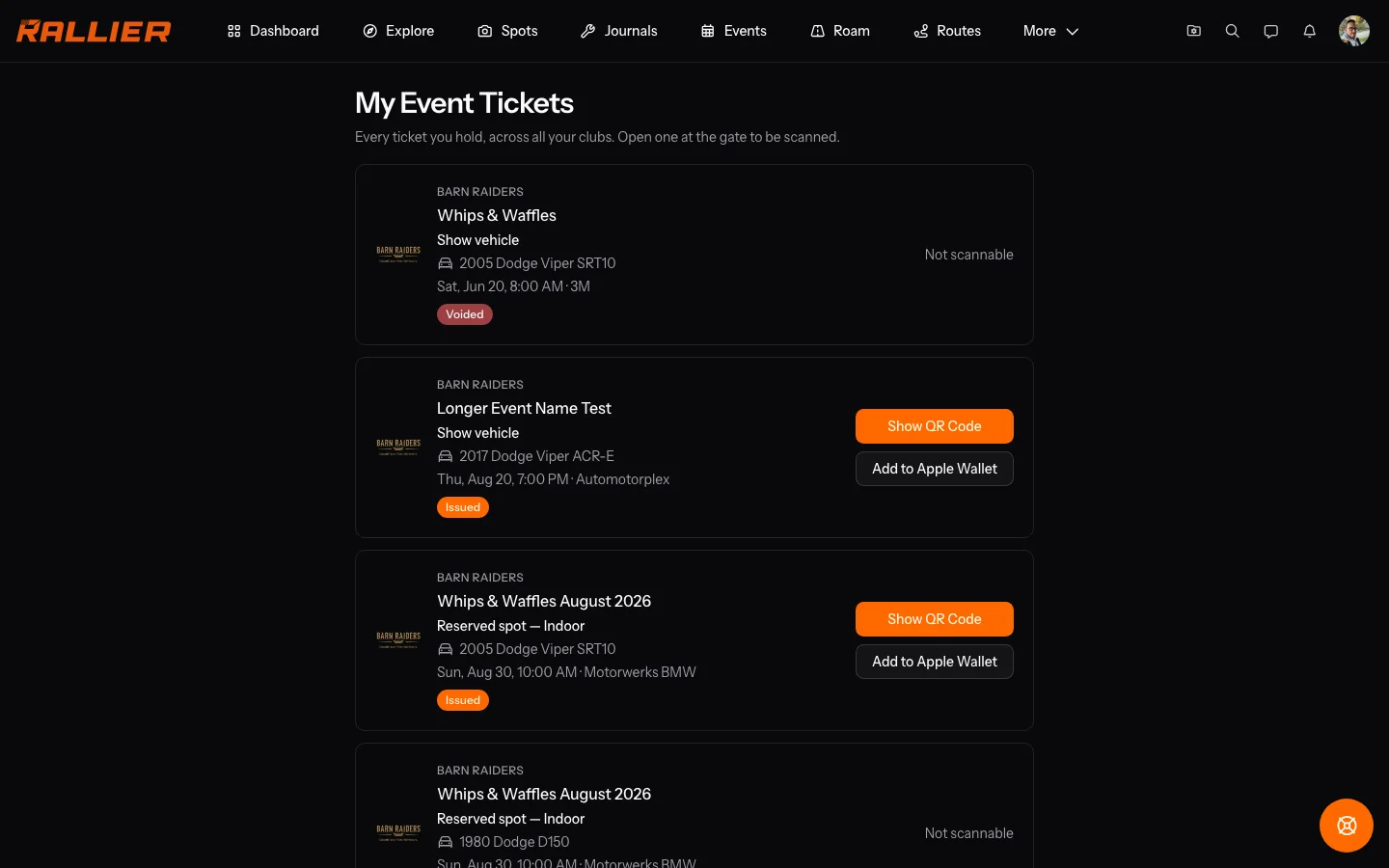
Once you're registered or you've bought a ticket, it appears on My Event Tickets with its own QR code, and from there you can add it to Apple Wallet on iOS. The code refreshes itself behind the scenes as a screenshot precaution, so it's worth opening the page fresh at the gate rather than relying on an image saved from earlier.
You don't have to be a club member to attend. On an event's public page you can register with your RALLIER account, or as a guest with just an email address. Registered account holders get the event's chat — look for Open event chat on the registration page or on My Event Tickets — and can see convoys heading to the event; guests don't get chat. Event chat closes some days after the event ends.
Vendors and sponsors apply and pay separately, through a link the organizer sends them directly — not something a regular member ever needs to do, and not a path that touches your own registration or ticket at all.
In the RALLIER app
Events show up in Today's Live now section the moment one is running in a club you belong to, and inside that club's Group Home under its Events segment (see Your club). Both list what's happening; neither is where you act on it beyond marking interest.
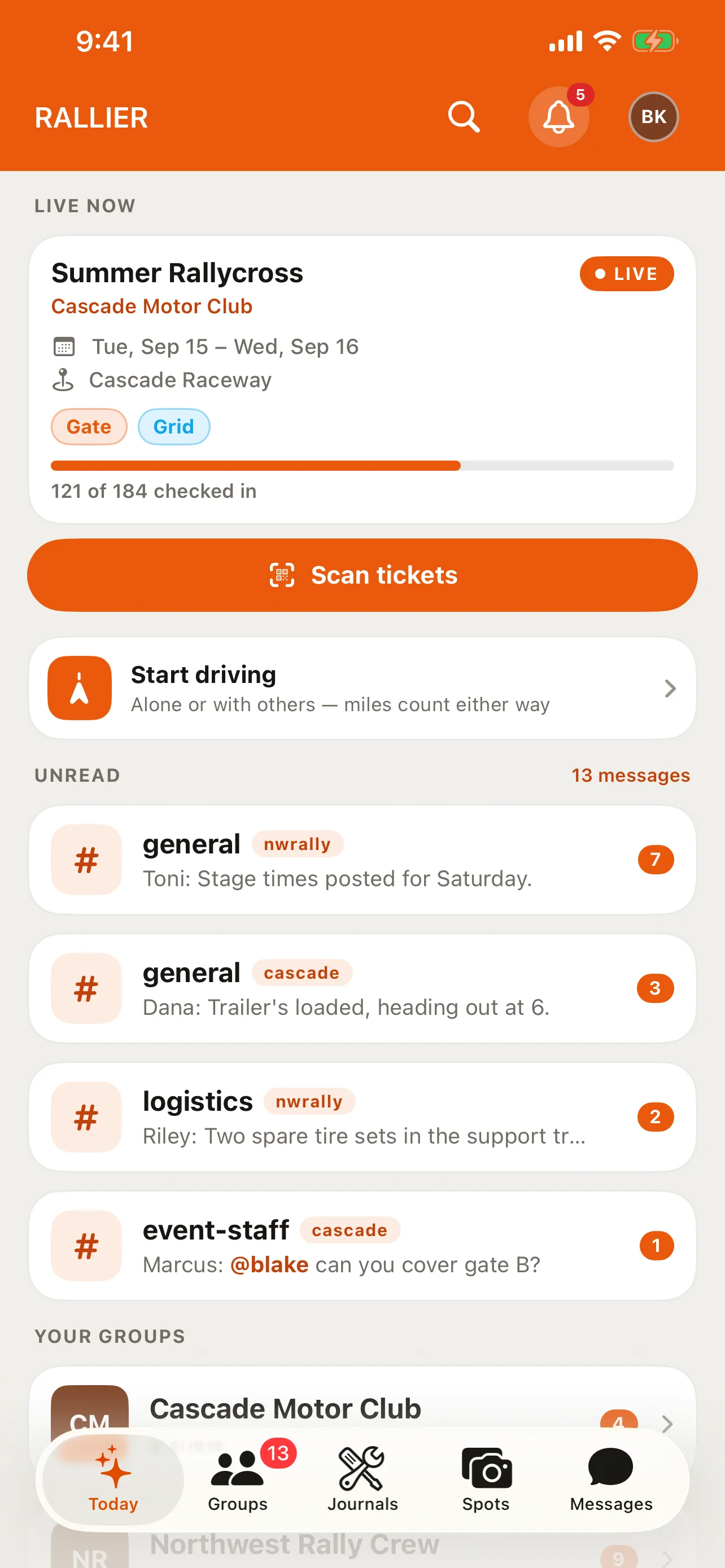
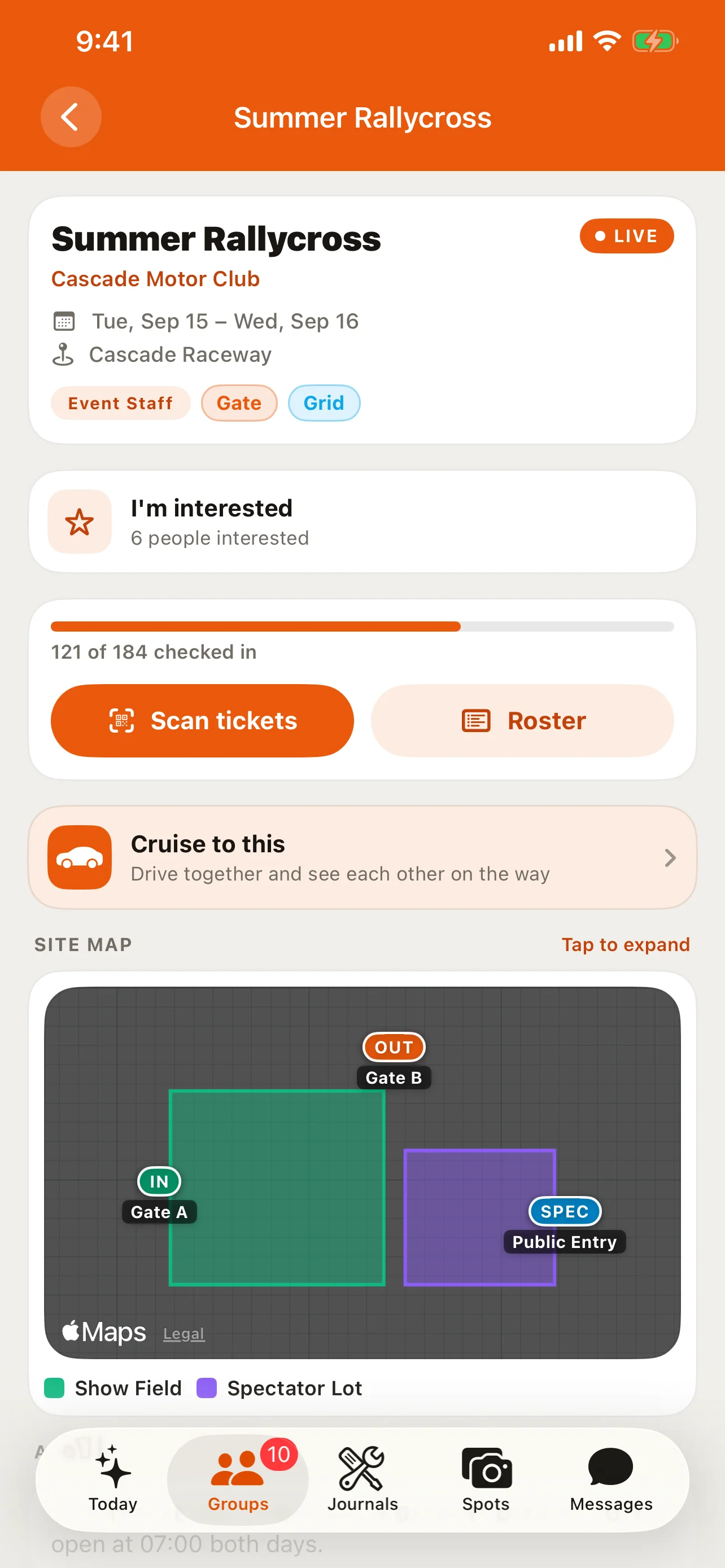
The app's event screen only offers I'm interested — the same non-committal bookmark as the web. Registering, buying a ticket, and viewing your QR code or wallet pass all happen on the web; the app doesn't sell anything, and it doesn't show you your own ticket either, by design rather than by an oversight still being built. If you're on staff for an event, Live now adds a Scan tickets button that opens the gate scanner for checking other people in — everyone else just sees the event itself, with no scanning option in the way.
Tips
- Marking interest costs nothing and holds no spot — register on the web if you actually intend to go.
- A free event showing full doesn't necessarily turn you away outright; depending on how the organizer set it up, you may land on a waitlist instead.
- Your ticket's QR code refreshes itself as a security measure, so open My Event Tickets fresh at the gate rather than relying on a screenshot taken earlier.
- Some members hold an event-organizer role that lets them build and run a club's events without needing full admin access — see Your club.
- If you're looking for your ticket and only find an "I'm interested" star in the app, that's expected — open the web to find the ticket itself.